Linux for
Optimized Debian and Ubuntu for ARM single board computers. Patched kernels, tested releases, automated builds. Trusted by developers, homelabbers, and hardware manufacturers worldwide.
More than a Linux image.
ARM hardware is fragmented — every board ships with different kernels, different patches, different quirks. Armbian fixes that with a single, tested, reproducible platform.
Debian & Ubuntu
Every Armbian image starts from clean upstream repositories. You get the full Debian or Ubuntu ecosystem — APT, systemd, thousands of packages — without vendor modifications or proprietary layers.


Optimized Kernels
Each board gets its own patched and tested kernel. We apply Device Tree fixes, backport drivers, and tune for specific hardware — so peripherals, GPU, and networking work out of the box.
Made for Builders
From home servers to industrial edge nodes, Armbian powers real projects. Pick a minimal server image or a full desktop — the platform adapts to what you need.
Supported Hardware
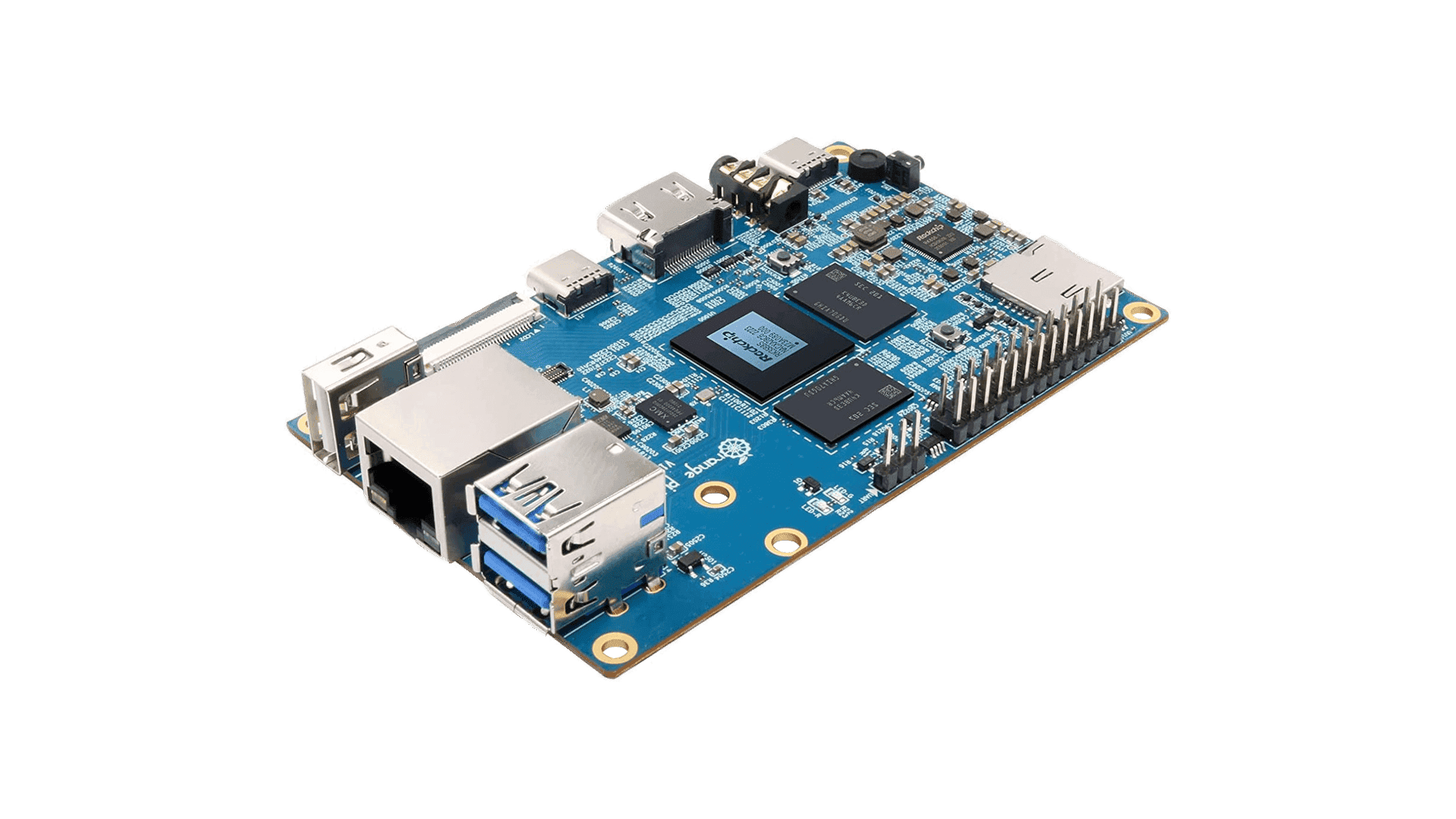
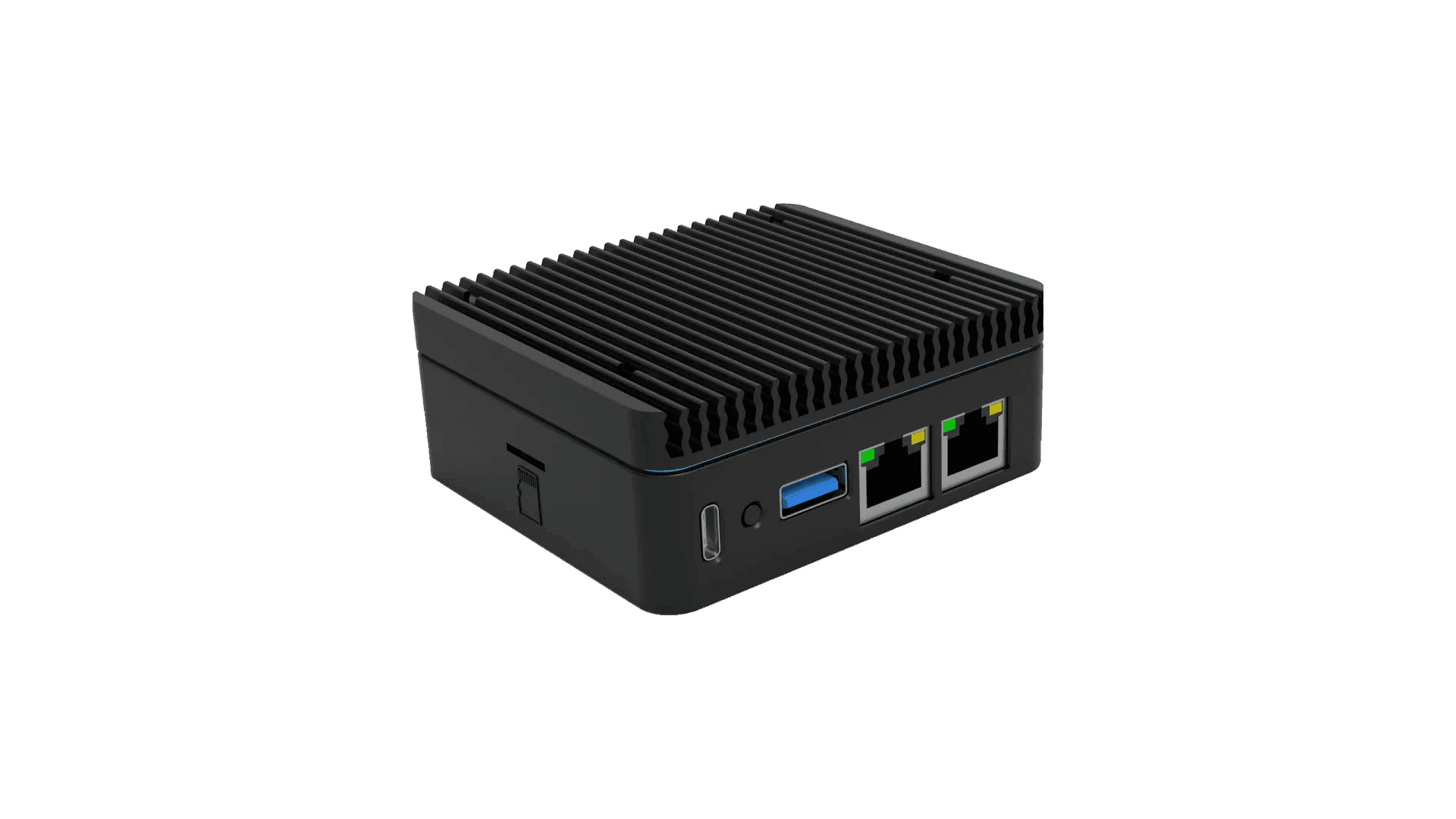
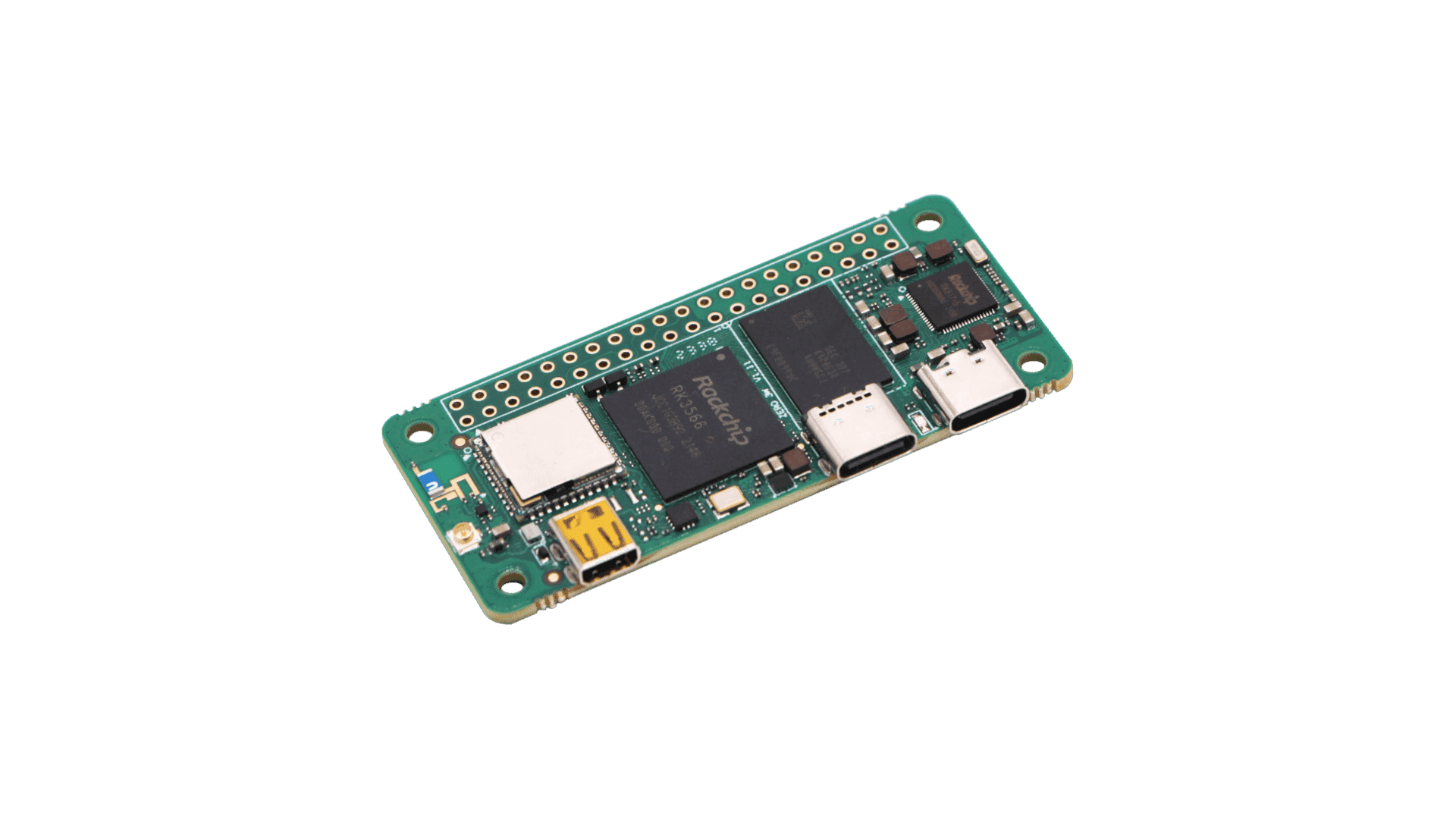
View All BoardsOver 300 boards from 60+ manufacturers. Each image is built, tested, and maintained by the community.


Build your own.
From source.
Compile an entire operating system with a single command. Kernel, bootloader, root filesystem, packages — fully automated, fully reproducible, for any supported board.
One Command
Same interface for every SoC. No per-vendor toolchains.
Full Control
Pick your kernel, desktop, packages, and output format.
Reproducible
Same source, same config, same result. Every time.
Docker Native
Builds run in containers. No host pollution.
Get started.
Two ways to run Armbian. Pick the one that fits your workflow.
 Recommended
Armbian Imager
The easiest way to get started. Our desktop app automatically selects the right image for your board, verifies file integrity with SHA checksums, and writes directly to SD card or eMMC. No manual steps, no command line — just pick your board and flash. Available for Windows, macOS, and Linux.
 Windows
 macOS
macOS Linux
LinuxManual Download
For advanced users who prefer full control. Browse the board catalog, download compressed .img.xz files, verify checksums manually, and flash with dd, balenaEtcher, or any tool you prefer. All images include GPG signatures for verification.
Built by people.
Armbian is maintained by volunteers — developers, testers, and hardware enthusiasts who care about ARM Linux.
Get InvolvedLatest news.
View all postsPartners


